


If your business in India relied on QuickBooks accounting software, you’re likely aware of the major change that occurred on January 31, 2023, when Intuit discontinued QuickBooks in India.
This sudden shutdown left thousands of business owners searching for the best QuickBooks alternatives in India that can offer similar or even better features for managing their accounting, invoicing, and financial reporting.
But don’t worry, you’re in the right place! In this guide, we’ll explore the top QuickBooks alternatives for 2025 that can help streamline your accounting process, ensure compliance, and keep your business finances running smoothly.
Whether you’re a small business looking for a free QuickBooks alternative, a growing company searching for the best accounting software in India, or exploring a QuickBooks to Tally migration solution, this post covers everything you need to make a seamless transition.
Let’s dive into the best alternatives to QuickBooks and find the perfect accounting software for your business needs in 2025!
Top QuickBooks Alternatives India in 2025

Here are the best QuickBooks India alternatives and reasons why should a business owner choose them:
1. Zoho Books: A Reliable Accounting Software with Over 75 Million Users
Zoho Books has become a popular choice for businesses in India looking for QuickBooks alternatives. Known for its powerful GST integration and comprehensive CRM capabilities, Zoho Books is a solid solution for managing your finances. It allows businesses to automate invoicing, track expenses, and manage multiple projects effortlessly.
Why Choose Zoho Books?
- GST Compliance: Automatically calculates and generates GST reports.
- Project Management: Manage multiple projects, assign tasks, and track progress.
- Mobile-Friendly: Access your accounts from anywhere with Zoho’s mobile app.
- Expense Tracking: Record and categorize expenses, keeping everything organized.
Pricing
Zoho Books offers flexible pricing plans to cater to businesses of all sizes. You can start with a free trial and explore its features before committing.
Check out Zoho Books’ pricing structure here.
2. HostBooks: A Cutting-Edge Accounting Solution
HostBooks offers a modern approach to accounting, combining technology and expertise to streamline tasks like bank reconciliations, tax filings, and more. If you’re looking for a QuickBooks alternative that provides automation and ensures compliance, HostBooks is a fantastic choice.
Why Choose HostBooks?
- Error Detection: Automatically identifies and corrects mistakes in your accounting records.
- Tax Liabilities: Stay up to date with your tax obligations and avoid penalties.
- Data Import/Export: Easily import or export your financial data for smoother operations.
- Multiple Modules: HostBooks offers various modules based on your business requirements.
Pricing
HostBooks offers three pricing tiers: Essential, Professional, and Enterprise. You can choose a plan that best suits your business needs.
Explore HostBooks' pricing here.
3. Tally: Most Popular and Trusted Accounting Software in India
Tally offers VAT reports for all states in India. The remote desktop version is also available, provided your server is operational. This software is well-suited for businesses with significant transaction volumes, such as those processing over 50,000 transactions annually.
Features Include:
- Simple and consistent navigation
- Multi-user license for higher volume transactions
- Enables instant statements in a real-time, multi-user environment
- A one-stop solution for compliance
Pricing
Tally's single-user version costs Rs. 22,500 (excluding GST), while the multi-user version costs Rs. 67,500 (excluding GST). To explore pricing for other upgrades and add-ons, click here.
Please refer to this dedicated blog for a step-by-step guide on migrating your data from QuickBooks to Tally.
How to Migrate Your Data From Quickbooks to Tally?
With QuickBooks discontinued in India, many businesses are now seeking a reliable method to migrate their accounting data from QuickBooks to Tally.
However, one of the biggest challenges during data migration is the manual entry involved in transferring data from QuickBooks India to Tally ERP 9 or Tally Prime, which can be time-consuming and prone to errors.
That’s where Suvit’s automation technology comes in. Suvit offers a seamless QuickBooks to Tally migration solution, automating repetitive tasks to ensure 100% accurate and error-free data transfer.
How to Import data from Quickbooks India to Tally?
- Export your QuickBooks data in Excel or PDF format.
- Download Suvit and connect it with Tally.
- Organize your data into modules like Banking, Sales, and Purchases.
- Select the option to "Send Transactions to Tally."
Following these steps will transfer your data to Tally without any manual entry.
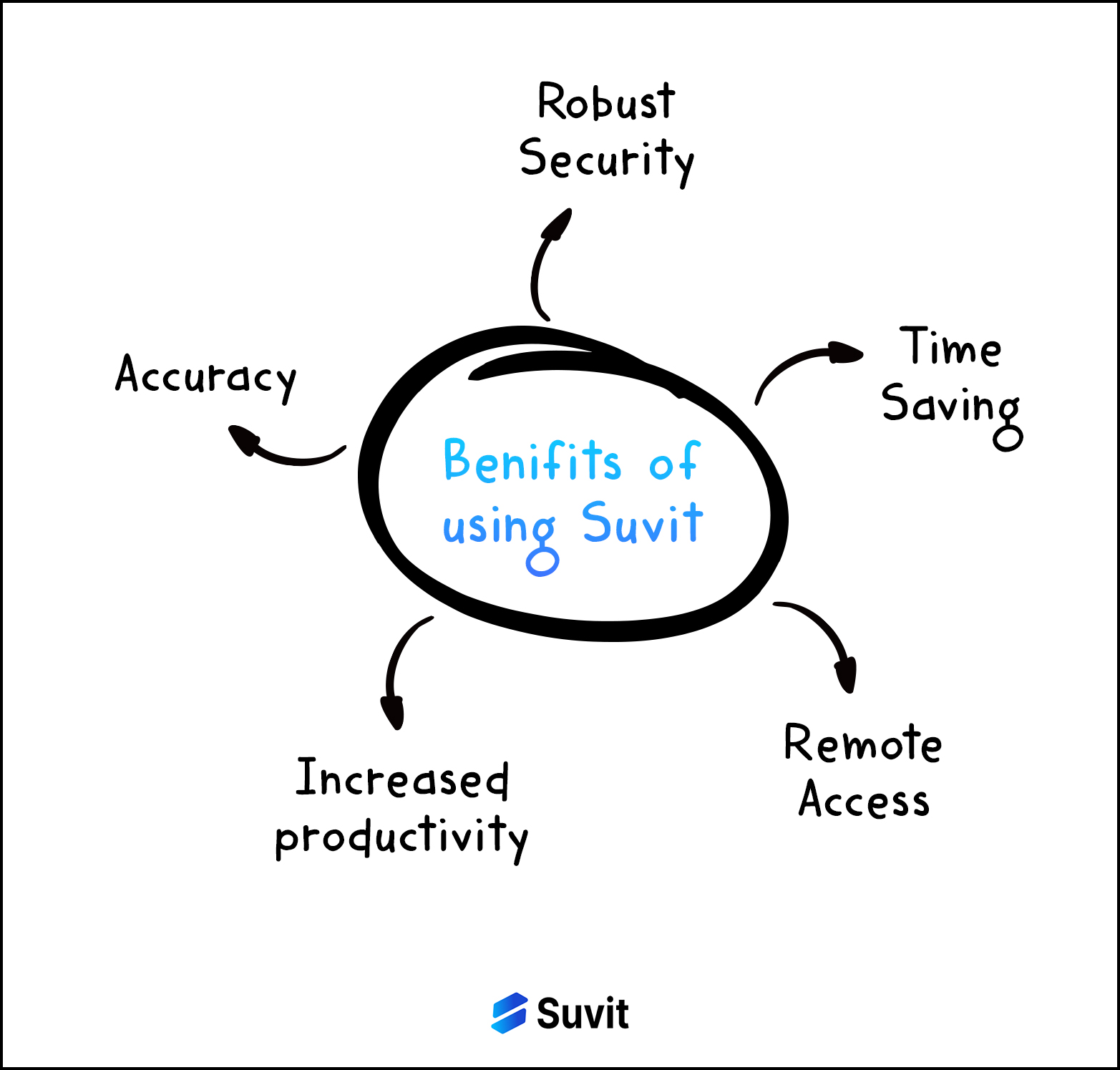
Top 5 Benefits of Choosing Suvit as Quickbooks Alternative
-
Accuracy: AI-powered tools automate data entry into accounting software, eliminating human errors and ensuring greater accuracy.
-
Robust Security: Suvit offers a trustworthy and secure platform featuring advanced encryption methods to protect against data loss and theft.
-
Time Savings: By automating repetitive tasks, clients can easily upload documents directly to Suvit, which can then be transferred to Tally with just one click.
-
Remote Access: With powerful cloud integration, you can work with Suvit anytime and from anywhere. You can also share access with your team while controlling the level of information they can access.
-
Increased Productivity: The time saved on manual data entry, clerical work, and follow-ups leads to increased productivity, allowing you to focus on other essential tasks.
Why Suvit?
Suvit integrates AI technology into your accounting processes, eliminating manual errors and ensuring robust data security. Its user-friendly interface is designed to be as intuitive as Excel, allowing you to save up to 80% of the time typically required for data entry. With Suvit, you can easily communicate with your clients and access all your financial data at your fingertips.
You don't need to be an accounting expert to use Suvit. As a business owner, you can effortlessly share your data with your accountant on the go, saving valuable time.
In addition to data entry automation, Suvit offers features for client and document management, making it easy to manage your clients seamlessly. You can store documents in the cloud and categorize them in various folders according to your needs.
Suvit also provides automated GST reconciliation. You can automate your GSTR-1, GSTR-2A, and GSTR-2B reconciliations directly within the platform.
Furthermore, Suvit offers reports and analysis for your data. This means you can make informed decisions on the fly, as it provides real-time data insights.
So, what are you waiting for, go and embrace Suvit as a Quickbooks Alternative!
If you need further assistance, our customer support team is always available to help, or you can explore our tutorials on YouTube.


